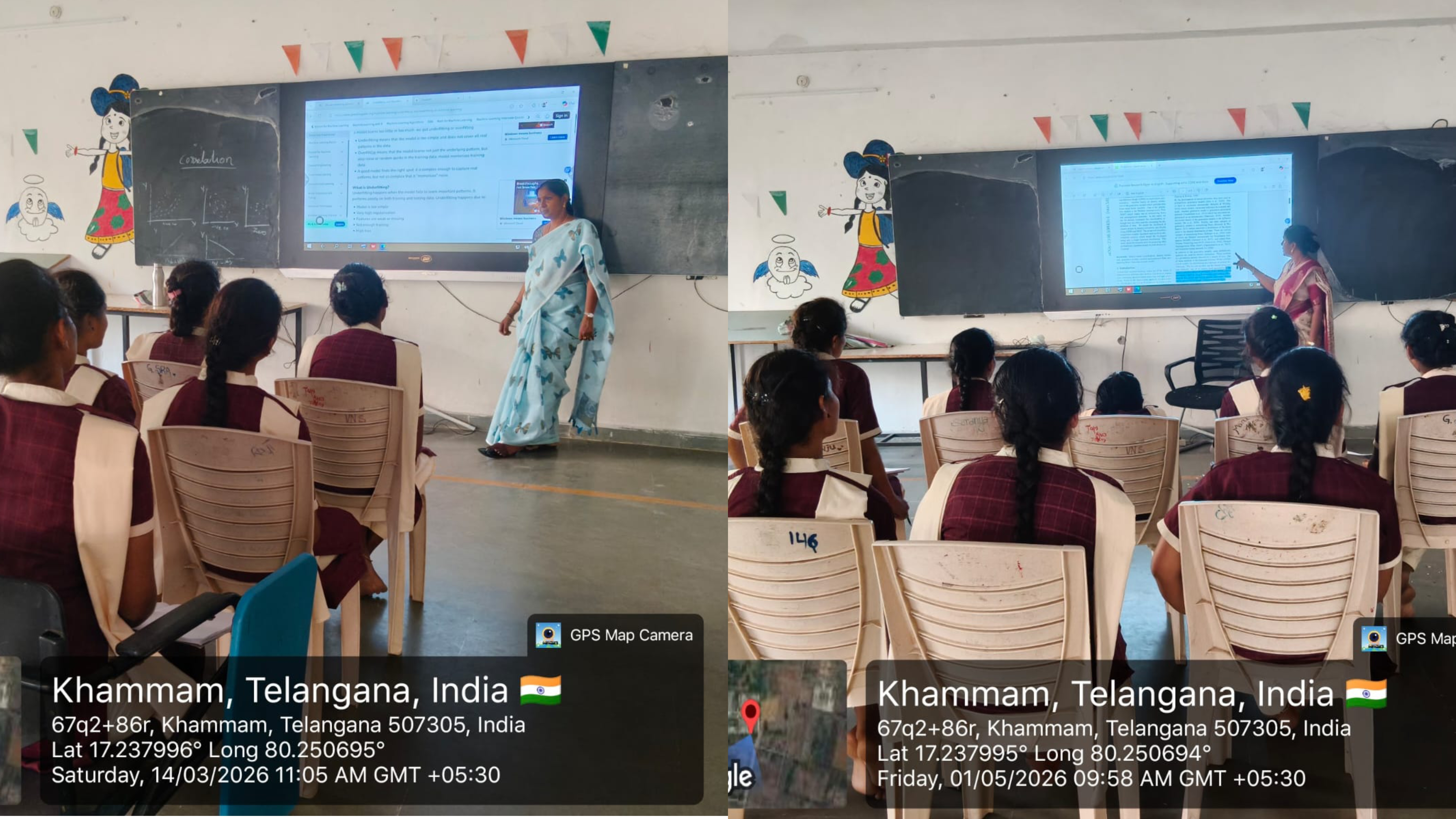
Departments - COMPUTER SCIENCE - INNOVATIVE TEACHING PRACTICES
INTRODUCTION TO ICT CLASSES:
Information and Communication Technology classes are designed to teach students how to use digital technologies effectively for communication, learning, problem-solving, and productivity. ICT includes computers, the internet, software applications, digital devices, and communication tools that help people access, create, store, and share information.
In ICT classes, students learn practical skills such as:
- Using computers and mobile devices
- Internet browsing and online safety
- Microsoft Office or Google Workspace tools
- Email and digital communication
- Coding and programming basics
- Multimedia creation and presentations
- Data handling and information management
ICT education plays an important role in modern learning because technology is now used in schools, businesses, healthcare, banking, and almost every professional field.
BENIFITS OF ICT CLASSES:
- Improves Digital Literacy: Students become confident in using technology and digital tools.
- Enhances Learning Skills: ICT makes learning interactive through videos, presentations, simulations, and online resources.
- Better Communication: Students learn to communicate using emails, video conferencing, and collaborative platforms.
- Develops Problem-Solving Skills: ICT activities encourage logical thinking, creativity, and analytical abilities.
- Increases Career Opportunities: Computer and technology skills are essential for many modern jobs.
- Supports Independent Learning: Students can access online courses, tutorials, and educational materials anytime.
- Encourages Creativity: ICT tools help students create digital artwork, presentations, websites, and videos.
- Improves Productivity: Students learn faster ways to organize information and complete tasks efficiently.
OUTCOMES OF ICT CLASSES:
After completing ICT classes, students are expected to:
- Understand basic computer operations
- Use software applications effectively
- Access and evaluate online information safelyCommunicate using digital platforms
- Create digital documents and presentations
- Apply technology in real-life situations
- Develop basic programming and technical skills
- Work collaboratively using online tools
- Become responsible digital citizens
CONCLUSION:
ICT classes prepare students for the digital world by developing technical knowledge, communication abilities, and practical skills. These classes help learners become confident, creative, and productive individuals who can adapt to modern technological environments in education, work, and daily life.
ACADEMIC YEAR 2025-2026
|
S.NO |
DATE |
CLASS |
TOPIC |
NO. OF STUDENTS ATTENDED |
ICT TOOL USED |
Name of the Lecturer |
|
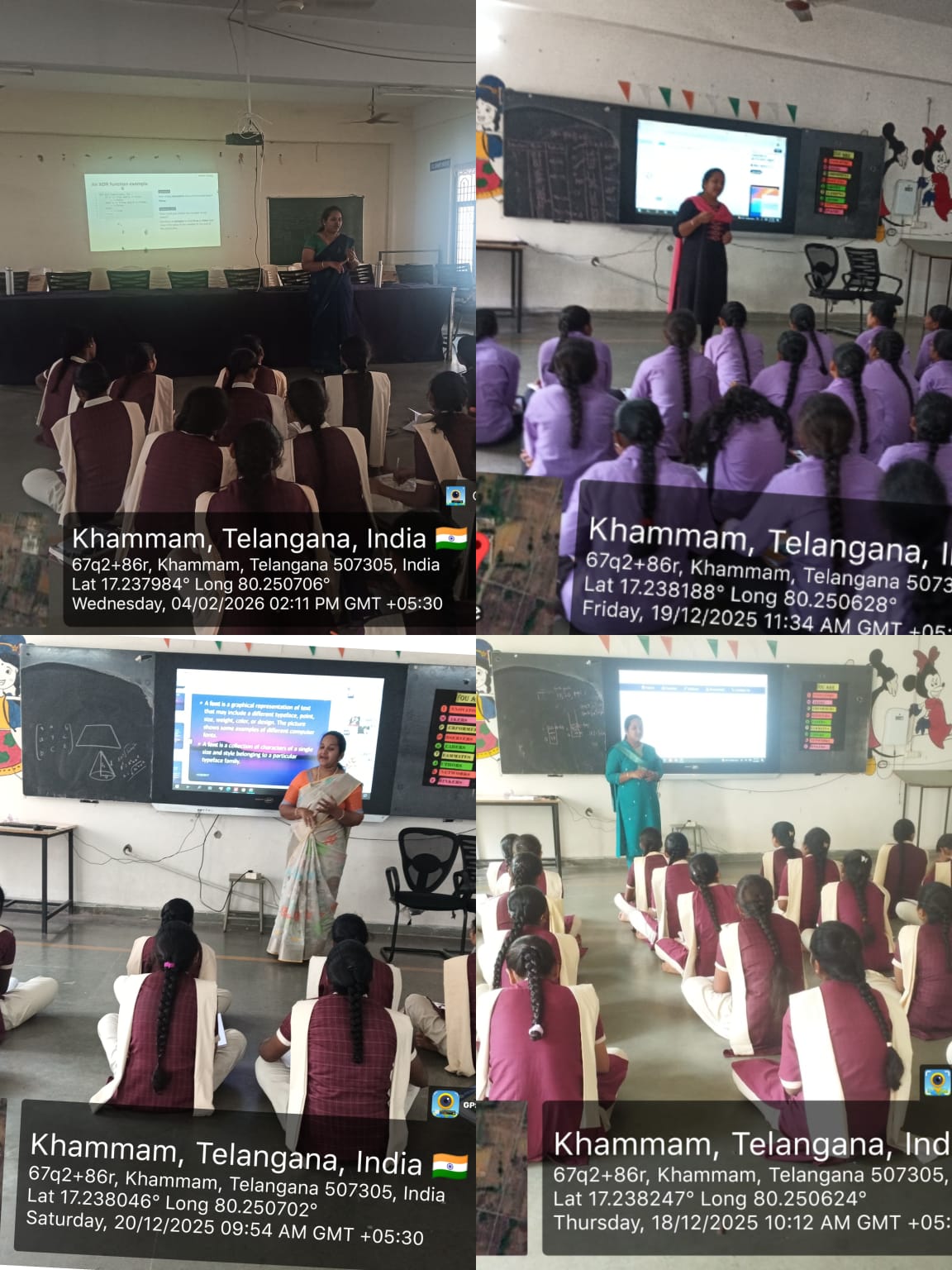
1 |
18/12/2025 |
IIB.COM(CA) |
HTML FORMS |
30 |
PPT |
K.HEMA BHARGAVI |
|
2 |
19/12/2025 |
IMPCS&BZCS |
STACKS USING ARRAYS |
37 |
PPT |
|
|
3 |
20/12/2025 |
II BA(CA) |
MULTI MEDIA AUTHORING TOOLS |
10 |
PPT |
|
|
4 |
02/01/2026 |
IIB.COM(CA) |
HTML LISTS |
30 |
PPT |
|
|
5 |
21/01/2026 |
IMPCS&BZCS |
CIRCULAR QUEUES |
37 |
PPT |
|
|
6 |
04/02/2026 |
II BA(CA) |
TEXT FILE FORMATS |
10 |
PPT |
ODD SEMESTER:
|
S.NO |
DATE |
CLASS |
NO. OF STUDENTS ATTENDED |
ICT TOOL USED |
NAME OF THE LECTURER |
|
1 |
23-06-2025 |
II BCOM(CA) |
20 |
PPT |
B RAJESWARI |
|
2 |
30-06-2025 |
II BCOM(CA) |
25 |
PPT |
B RAJESWARI |
|
3 |
18-07-2025 |
II BCOM(CA) |
28 |
PPT |
B RAJESWARI |
|
4 |
29-08-2025 |
II BCOM(CA) |
27 |
PPT |
B RAJESWARI |
|
5 |
17-09-2025 |
II BCOM(CA) |
30 |
PPT |
B RAJESWARI |
EVEN SEMESTER:
|
S.NO |
DATE |
CLASS |
TOPIC |
NO. OF STUDENTS ATTENDED |
ICT TOOL USED |
NAME OF THE LECTURER |
|
1 |
19.01.2026 |
II MSDS IV SEM |
Interpreting Perceptron Weights |
5 |
PPT |
B RAJESWARI |
|
2 |
27.01.2026 |
II MSDS IV SEM |
Irrelevant & Redundant Features |
10 |
||
|
3 |
12.02.2026 |
II MSDS IV SEM |
Statistical Education |
10 |
||
|
4 |
16.02.2026 |
II MSDS IV SEM |
Neural Networks |
7 |
||
|
5 |
23.02.2026 |
II MSDS IV SEM |
Unsupervised Learning |
8 |
||
|
6 |
14.03.2026 |
II MSDS IV SEM |
Keras |
8 |
||
|
7 |
26.03.2026 |
II MSDS IV SEM |
Minimum Spanning Tree |
7 |